
Fillet
Use the Fillet tool to remove filleted edges on the die.
-
On the Die Design ribbon, select the Defeature
tool.

-
Select the Fillet tool.

-
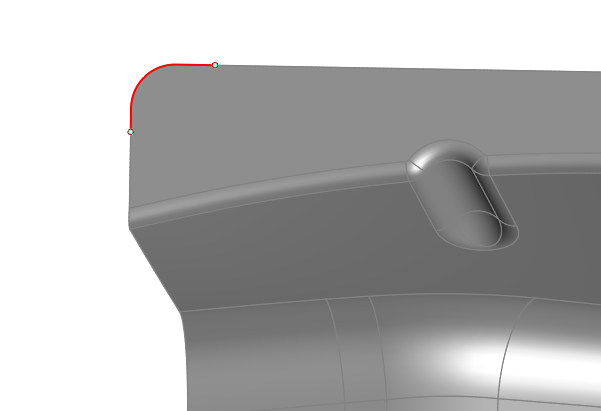
Click Find in the guide bar, which allows Inspire Form
to find and highlight edge fillets on the part in red. Use the arrows to
navigate between fillets. Press the Reset button
 to clear your selections and
begin again.
to clear your selections and
begin again.
-
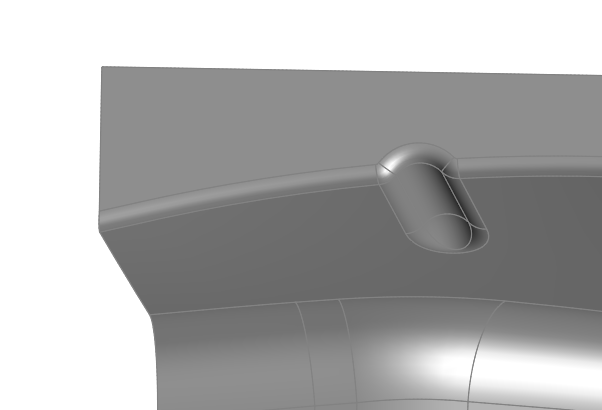
Click the Delete All Fillets button in the guide bar to
remove the selected filleted edges. You can also manually select the fillets
you'd like to delete by clicking on them individually, and then selecting
Delete Fillet.
- Right-click and mouse through the check mark to exit, or double-right-click.