
Add and Configure Tools in a Forming Operation
Select from a variety of tools to include in a forming operation.
-
From the Tryout ribbon, select a forming operation that you've added to your
analysis.
Figure 1. Example Operation 
The default tools appear for the operation. -
Next to the default tools, click the Add Tool
button.
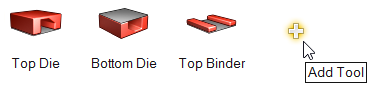
-
From the Add Tool dialog that appears, double-click the tools that you want to
add to your forming operation. Once added, the tools are displayed on the Tryout
ribbon where you can select and configure them for a given forming
operation.
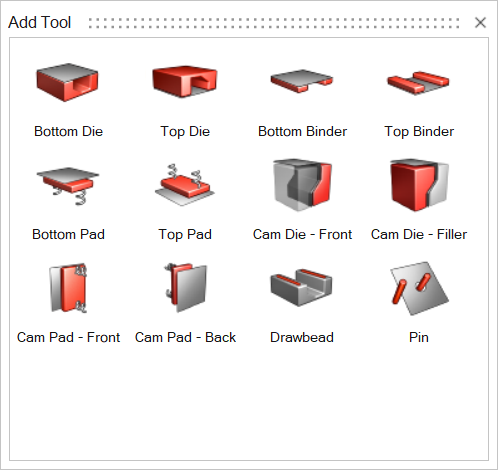 Once you add a tool to a forming operation, a user symbol
 is displayed indicating that a modification has
been made to the default tool set.
is displayed indicating that a modification has
been made to the default tool set.
- To configure a tool that you've added to your model, from the Tryout ribbon, select the tool, then enter the required information in the microdialogs.